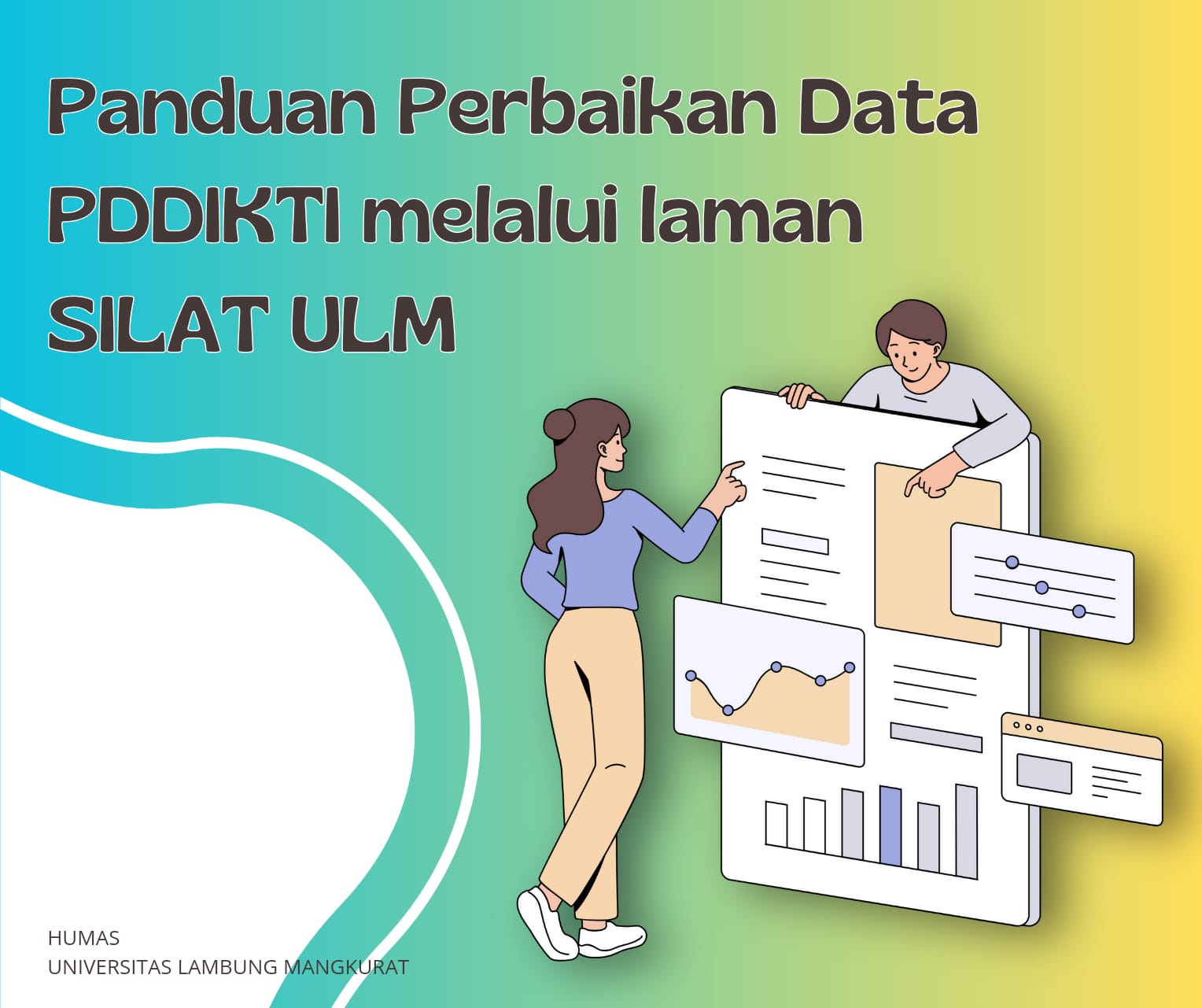
Guidelines for Correcting PDDIKTI Data via SILAT Portal of Lambung Mangkurat University
Lambung Mangkurat University (ULM) is committed to maintaining the quality of academic data integrated with the Higher Education Database (PDDIKTI). To make it easier for students and alumni to correct their data recorded in PDDIKTI, ULM provides an online service through the SILAT portal (https://silat.ulm.ac.id).
The SILAT portal (Integrated Service Information System) is designed as a platform to support various academic administrative needs, including submitting corrections to PDDIKTI data. Below is the complete guide on how to use this data correction service:
- Access the SILAT Portal
- Ensure your computer or smartphone is connected to the internet.
- You should have a web browser like Google Chrome, Mozilla Firefox, Internet Explorer, etc. (It is recommended to use Google Chrome or Mozilla Firefox).
- Once ready, open your web browser and go to the SILAT portal by entering the following URL: https://silat.ulm.ac.id.
2. Select the PDDIKTI Data Correction Menu
- Choose the “PDDIKTI Data Correction” option from the main dashboard.

3. Fill Out the Data Correction Form
- Complete the available data correction form. The information required includes:
- Full Name
- Gender
- Phone Number
- Occupation
- Student ID (NIM)
- Type of Correction (Name, National ID Number, Date of Birth, Mother’s Name)
- Purpose of Correction
- National ID Number (NIK)
- Upload supporting documents for the request:
- National ID (KTP)
- Diploma or Student ID (if not graduated)
- Transcript or Academic Report (if not graduated)
- Family Card
- Birth Certificate
The documents uploaded should be in (pdf/jpg/png/jpeg formats, with a recommended file size of 500kb and a maximum of 2MB).
- Ensure that the data you entered is correct before submitting the request.

4. Submit the Request
- After completing the form, click the button to submit the request.
5. Fill Out the Service Survey
- After submitting the request, you will be asked to fill out a service survey to assess the satisfaction level of the public service. Please complete this survey before proceeding to the next page.
- Once you’ve answered the questions, click submit.
6. Notification of Submission Status
- You will receive notifications through email or the SILAT portal regarding the status of your request.
7. Monitor the Status of Your Submission
- You can track the status of your submission through the “Submission History” menu in the SILAT portal or via the email notifications you received.
8. Verification and Completion
- After your request is verified by the ULM administration team, your data will be sent to PDDIKTI for data correction verification.
- This process takes time, depending on the complexity of the data being corrected. Be sure to check your submission status periodically.
Additional Information
- Ensure that all uploaded supporting documents are clear and valid.
- If you experience any technical issues or have questions regarding the submission, please contact the helpdesk via WhatsApp service at 085180806363.
- The ULM authority is only responsible for submitting corrections to PDDIKTI and providing a correction letter that will be sent via the PDDIKTI system.
With this service, it is hoped that students and faculty of Lambung Mangkurat University can easily ensure the accuracy of their academic data recorded in PDDIKTI. Let’s work together to maintain the integrity of higher education data to support academic and administrative progress.